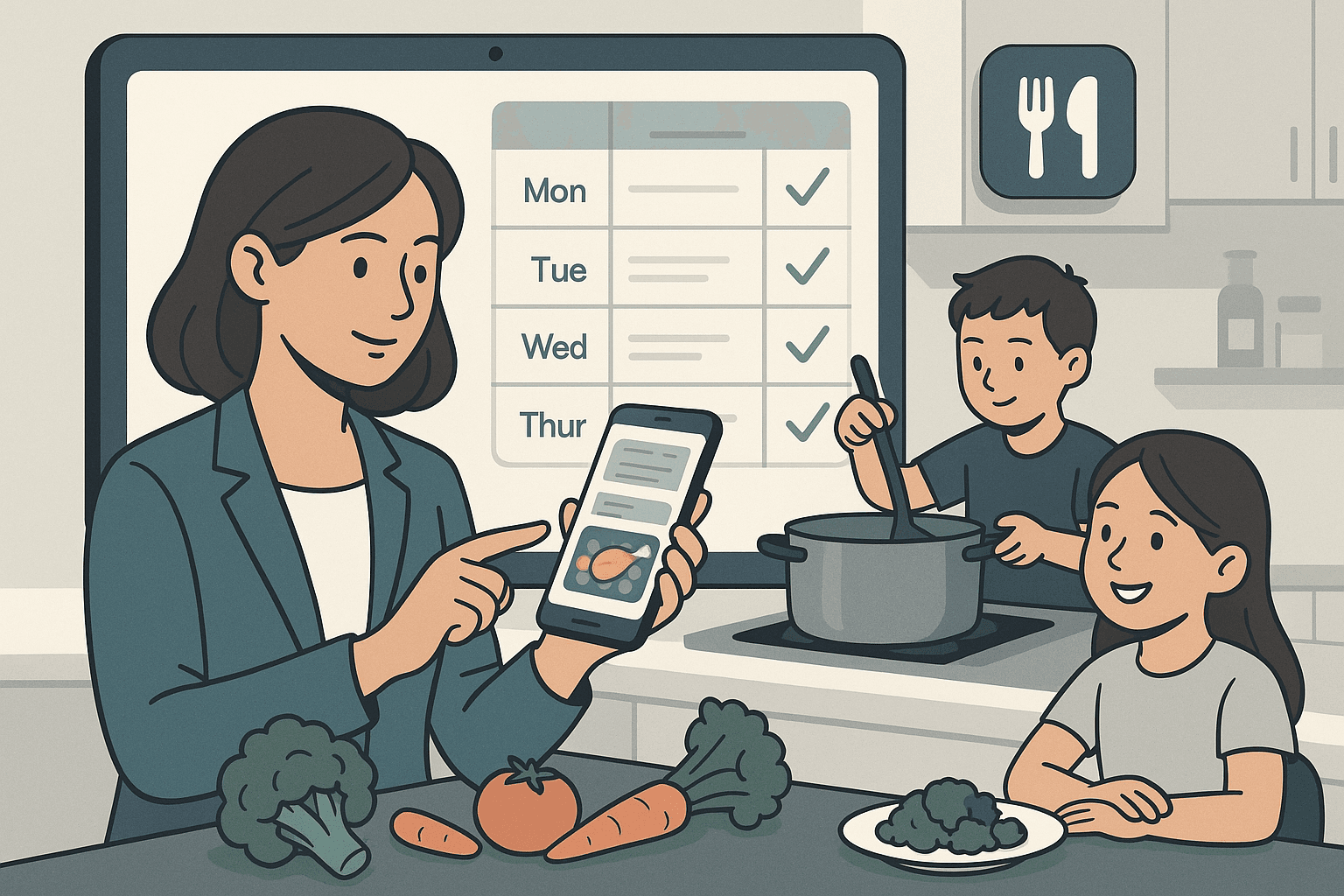
If dinner feels like a daily scramble — especially with kids home all summer — the right app can turn "what's for dinner?" into a two-minute decision. A good meal planner saves you money, cuts food waste, and ends the 5 p (learn more about college admissions consulting vs. diy: which is better?).m. panic by deciding the week's meals in advance and building the grocery list for you. Here are the seven that consistently rise to the top for families, with honest pros and cons for each.
What makes a meal planning app worth it
The best apps share a few traits. They let you plan a week of meals on a calendar, generate a grocery list automatically from those meals, and save recipes from anywhere on the web. The great ones add family-friendly extras: shared access so both parents can see the plan, pantry tracking so you don't buy duplicates, and filters for picky eaters or dietary needs. Before you commit, think about which of those matters most to your household — that's how you'll pick the right fit from the list below.
The 7 best family meal planning apps in 2026
1. Paprika — best for recipe organization
Paprika is a favorite for parents who collect recipes from all over. It saves recipes from any website, scales servings up or down for a hungry family, and builds a grocery list automatically. It's a one-time purchase per platform rather than a subscription, which many families love. Best for: organized cooks who want a recipe vault. Watch-out: syncing across devices costs extra per platform.
2. Plan to Eat — best for full meal calendars
Plan to Eat shines at drag-and-drop weekly planning. You drop recipes onto a calendar, and it instantly creates a categorized shopping list. It's web-based with apps, so the whole family can see the plan. Best for: parents who want a true planning calendar. Watch-out: subscription required after the free trial.
3. Mealime — best for fast, healthy weeknight dinners
Mealime gives you ready-to-go meal plans built around quick, healthy recipes, with a grocery list that's organized by aisle. It learns your preferences and avoids ingredients your family dislikes. Best for: busy parents who want decisions made for them. Watch-out: the best recipe variety sits behind the Pro tier.
4. eMeals — best for done-for-you weekly plans
eMeals hands you a complete weekly menu by category (budget, kid-friendly, quick prep, and more) and can send the list straight to grocery delivery or pickup services. Best for: parents who'd rather not plan at all. Watch-out: it's a paid subscription with less customization than build-your-own apps.
5. AnyList — best shared grocery list for couples
AnyList is the gold standard for a shared grocery list that updates in real time on both parents' phones. It also stores recipes and supports meal plans. Best for: families who mainly want the list synced so nobody buys milk twice. Watch-out: planning features are lighter than dedicated planners.
6. Whisk / Samsung Food — best free option
Whisk (now Samsung Food) is a genuinely capable free app that saves recipes, builds smart shopping lists, and offers meal plans. Best for: families testing the waters without paying. Watch-out: more ads and upsells than paid apps, and features shift as the product evolves.
7. Cozi — best for combining meals with the family calendar
Cozi is a family organizer first — shared calendar, to-do lists, and chores — with meal planning built in. If your bigger pain is coordinating everyone's schedule, Cozi keeps dinner and the soccer carpool in one place. Best for: busy households juggling kids' activities. Watch-out: meal features are simpler than standalone planners.
Quick comparison
| App |
Best for |
Price model |
Standout feature |
| Paprika |
Recipe organization |
One-time purchase |
Recipe scaling & web clipping |
| Plan to Eat |
Meal calendars |
Subscription |
Drag-and-drop planner |
| Mealime |
Quick healthy dinners |
Free + Pro |
Aisle-sorted lists |
| eMeals |
Done-for-you plans |
Subscription |
Grocery delivery integration |
| AnyList |
Shared grocery lists |
Free + Premium |
Real-time list sync |
| Whisk/Samsung Food |
Free all-rounder |
Free |
No cost to start |
| Cozi |
Meals + family calendar |
Free + Gold |
All-in-one organizer |
How to choose the right app for your family
Match the app to your biggest headache. If you can never decide what to cook, choose a done-for-you planner like Mealime or eMeals. If you collect recipes everywhere, Paprika keeps them tidy. If your real problem is two parents buying the same groceries, AnyList solves it cheaply. And if dinner is tangled up with everyone's schedules, Cozi pulls it all together.
A simple way to decide: start with a free app like Whisk or Cozi for a week. If you find yourself wishing for stronger planning or grocery features, upgrade to a paid option that fixes that specific gap. Most apps offer a free trial, so you can test before you pay.
A few tips to make any app stick
- Plan on the same day each week — Sunday afternoon works for many families.
- Build a rotation of 10–15 go-to meals so you're not starting from scratch.
- Let the kids pick one dinner a week in the app — they'll actually eat it.
- Check your pantry before shopping to avoid double-buying.
The best app is the one your family will actually use. Pick the one that fixes your biggest dinnertime frustration, give it two weeks, and watch the weeknight scramble fade.
App features, pricing, and availability change over time. Confirm current details in the app store before subscribing.